
File sharing is convenient, but convenience can become a problem when a download link contains material that should only be available to selected people. A link can be forwarded, copied into another conversation or accidentally posted somewhere it was never intended to appear.
Uploady provides several features that can help users manage private file sharing more carefully. However, protecting an upload requires more than simply adding a password. Users also need to think about filenames, link distribution, account security and how long a file should remain online.
Here are several practical ways to build a safer Uploady sharing workflow.
Decide Whether the File Should Be Public or Private
Before uploading anything, determine who actually needs access.
A game clip intended for a public community has very different requirements from a private project archive being sent to one colleague. Treating both files in exactly the same way creates unnecessary risk.
If the content is intended for a limited audience, avoid publishing the download link on public pages, forums or social media.
Instead, distribute it directly to the intended recipient.
This sounds obvious, but controlling the link itself is the first layer of protection.
Add a Password to Important Uploads
Uploady provides an option for protecting files with a password.
This is useful when the download URL could potentially be forwarded to another person. Someone who receives the link would still need the correct password before accessing the protected content.
Avoid simple passwords such as:
123456
password
download
The filename or project name should not automatically become the password either.
A stronger password containing a mixture of unrelated characters or words is more difficult to guess.
Send the Password Separately
Password protection becomes less useful if the password is posted directly beside the download link.
For more sensitive transfers, consider sending the URL and password through separate communication channels.
For example, the download link could be sent through email while the password is delivered through a private messaging application.
This does not make a file impossible to access, but it reduces the chance that someone who accidentally obtains one piece of information immediately has everything required to open the download.
Avoid Revealing Sensitive Information in Filenames
A filename itself can reveal more information than expected.
Imagine receiving a URL for a file named:
customer_database_complete.zip
Even without downloading the archive, the name already describes potentially sensitive contents.
When appropriate, use descriptive but neutral filenames.
Good naming is still important for organization, but there is no need to place confidential information directly into a filename that may appear on a download page.
Keep Control of Your Uploady Account
Registered accounts make ongoing file management easier, but they also introduce account security responsibilities.
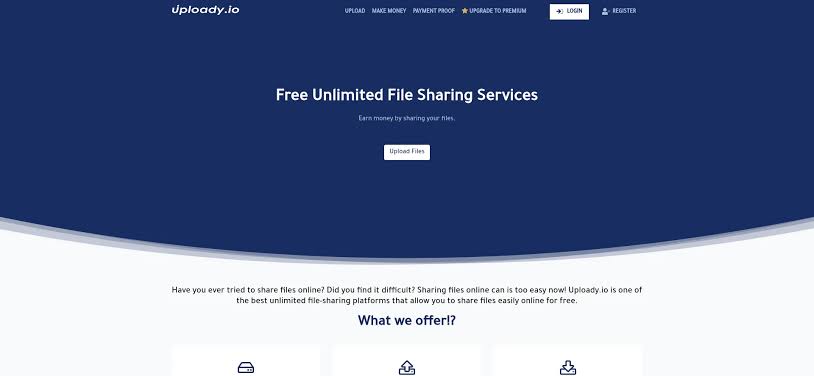
Use a unique password for Uploady rather than recycling a password already used on another website. If another service suffers a credential leak, password reuse can expose unrelated accounts.
Users looking for different ways to access the platform may encounter third party marketplaces as well. For example, z2u.com has listings related to Uploady Accounts. Users considering any account option should review the platform’s current rules and understand what they are purchasing before using it for file storage or sharing.
Account credentials should also be treated differently from individual download links. Sharing one file does not require giving another person access to the entire hosting account.
Remove Files That Are No Longer Needed
A common mistake with file hosting is forgetting about an upload after the recipient has downloaded it.
Ask whether the file still needs to remain online.
If a transfer has been completed and there is no reason to keep the hosted copy available, removing it can reduce unnecessary exposure.
This is particularly relevant for temporary project files.
A file that was useful for three days does not automatically need to remain accessible for several months.
Be Careful With Copyrighted and Restricted Content
Privacy controls do not change the rules governing what can legally be uploaded.
A password protected file is still hosted content. Users remain responsible for making sure they have permission to store and distribute the material.
This is especially important when transferring commercial software, copyrighted media or files containing information belonging to other people.
Use Uploady for content you own or are authorized to distribute and check the service’s current terms when there is uncertainty.
Know When a General File Host Is Not Enough
Password protected sharing can be useful, but it should not automatically be treated as a replacement for specialized secure storage.
Highly sensitive corporate records, financial documents, regulated information and other confidential materials may require encryption, access logging or compliance standards beyond those offered by a general purpose file hosting platform.
The sensitivity of the data should determine the service you use.
Final Thoughts
Private file sharing works best when security is treated as a process rather than a single setting.
Start by limiting who receives the Uploady link. Add password protection when appropriate, keep filenames sensible and avoid sending all access information through the same public channel.
After the recipient has downloaded the content, review whether the hosted file still needs to exist.
These small habits can make temporary file sharing considerably more controlled while keeping the process simple for the people who actually need access.